Fleet Compliance · VLTD Guide
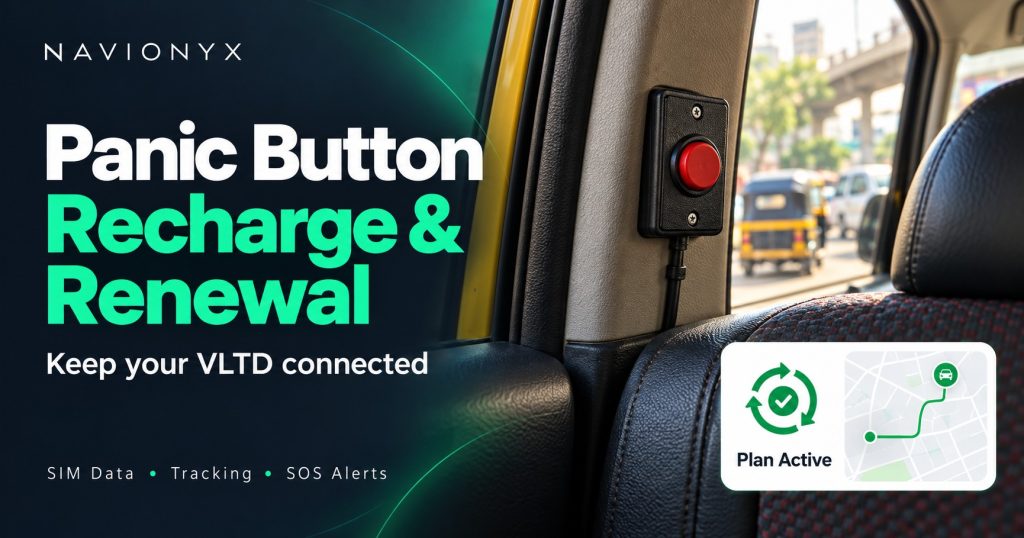
Your panic button does not need charging. Here is what actually needs renewing, why it lapses, and how to keep your vehicle compliant.
By Navionyx Team · October 2026 · 6 min read

You got a message saying your panic button renewal is due, or your RTO officer said your device is “not reporting”. Many owners then ask the same question: how do I recharge the panic button? The short answer is that the button itself never needs a recharge. What lapses is the data and server plan of the tracking device the button is connected to.
The panic button is part of the AIS 140 Vehicle Location Tracking Device, or VLTD, so renewal is really about keeping that device live. If you are getting a new device fitted, start with our guide to panic button installation and renewal. If your device is already fitted, this guide explains what renewal covers, how to check your status and how to renew without missing a fitness date.
Does a Panic Button Need a Recharge?
Short answer: The button, no. The plan behind it, yes.
The emergency button has no battery of its own, so there is nothing to charge. When someone presses it, the VLTD sends the alert with the vehicle’s location. So when people say “recharge”, they mean renewing the device’s mobile data and server subscription.
That subscription is what lets your device send location and SOS alerts every few seconds to the state backend and to your tracking platform. Without it, the hardware is still in the vehicle, but nothing leaves it.
What a renewal plan usually covers
✓ SIM data. The mobile data the device uses to send location and alerts.
✓ State backend connectivity. Keeping your device mapped and reporting to the state’s monitoring system.
✓ Server and platform access. Storage of trip history and access to your live tracking app or dashboard.
✓ Support. Help with status checks and troubleshooting.
What Happens When the Plan Lapses
A lapsed plan rarely shows any sign inside the vehicle. The button looks the same and the device may still have power. The problems show up outside:
| What stops | What it means for you |
|---|---|
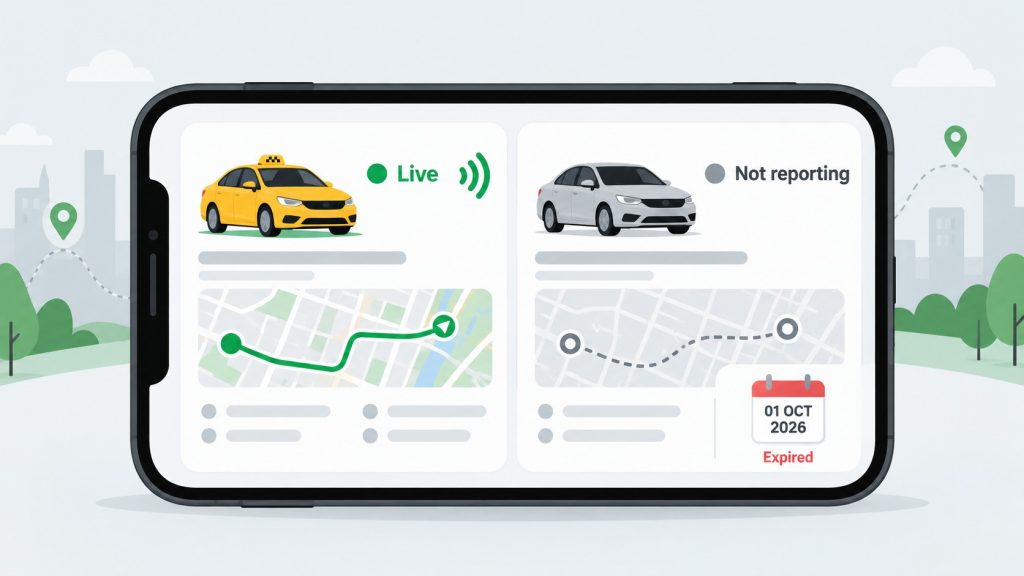
| Live location | Your vehicle disappears from the tracking app and the state backend. |
| SOS alerts | A passenger can press the button, but no alert reaches anyone. This is the real safety risk. |
| RTO status | The device shows as not reporting, and the vehicle can fail a fitness or permit check even with a valid certificate. |
| Platform and contract work | Operators that check live tracking may pause the vehicle until it reports again. |
That third row surprises many owners. A certificate proves the device was fitted, not that it is working today. We explain how officers check this in our guide to the panic button certificate.
How to Check if Your Device Is Active
You do not need to wait for an RTO visit to find out. Use any of these checks:
Check 1. Your tracking app. Open the vehicle and look at the last reported time. If it is hours or days old while the vehicle has been running, the device is not reporting.
Check 2. Plan validity. Look at your renewal message, invoice or certificate papers for the validity end date.
Check 3. Ask your installer. Share your vehicle number. They can see whether the device is live, when it last reported, and when the plan expires.
Device indicator lights differ from model to model, so do not rely on them alone. A device can have power and blink normally while its plan has expired.
How Panic Button Renewal Works
Here is how renewal typically works with your provider.
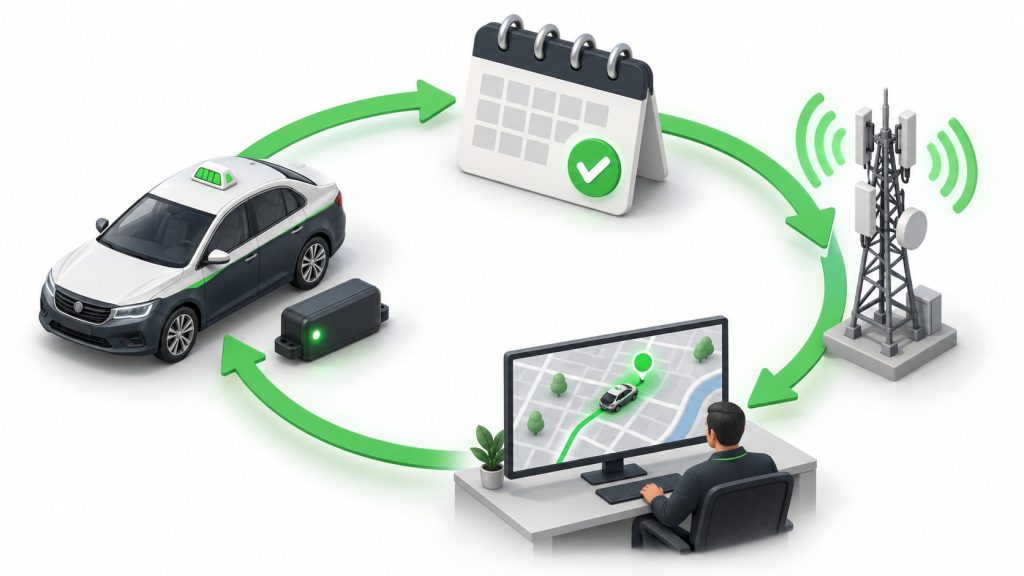
Step 1. Share your vehicle number with your provider. If you have it, also share the device IMEI from the device label or certificate.
Step 2. The provider checks device status, last reported time and the current validity date.
Step 3. You choose a plan and confirm the renewal.
Step 4. The plan is activated and the device starts reporting again. Ask for written confirmation with the new validity date.
Step 5. Open your tracking app and confirm the vehicle shows a fresh reported time.
How often you need to renew
Most plans run on a yearly cycle, and some providers offer longer plans. Depending on what you bought, part of the first term may already be included with the installation. The simplest habit is to note your validity end date next to your fitness renewal date and renew at least a couple of weeks before whichever comes first.
Panic Button Renewal Price: What You Are Paying For
There is no single fixed renewal price. It depends on the plan, and plans differ in a few clear ways:
✓ Plan length. One year or a longer term.
✓ What is bundled. Compliance only, or compliance plus fleet features such as trip reports, alerts and driver behaviour.
✓ Number of vehicles. Fleet renewals are often quoted differently from single vehicles.
When comparing quotes, ask three questions: what exactly is included, what the new validity end date will be, and whether support is part of the plan. A cheaper quote that leaves out backend connectivity does not solve the compliance problem.
Switching Provider at Renewal: What to Check
Renewal time is a natural point to change providers, but it is not always as simple as buying a new plan elsewhere. Check these before you switch:
Device support. The new provider must be able to support your existing device make and model. If not, a new device may be needed.
Backend mapping. Your device must stay mapped to your vehicle on the state backend without a gap.
Certificate. If the device changes, you need a new fitment certificate with the new IMEI.
Timing. Switch well before your fitness or permit date, never in the same week.
Rules and backend processes vary a little by state. For local details, see our VLTD installation page, or go straight to VLTD installation in Karnataka if your vehicle is registered there.
Conclusion
Panic button renewal is not about charging a button. It is about keeping your VLTD’s data and server plan active so SOS alerts actually reach someone and your vehicle passes every RTO check. Know your validity date, check your device status before fitness or permit work, and renew early. For more on the rules by vehicle type, read our guides on panic buttons in taxis and panic buttons in school buses.
This article was written with AI assistance and reviewed by the Navionyx team.
Not sure if your device is still active?
Send us your vehicle number. We will check the status and help you renew or install an AIS 140 VLTD with emergency buttons.
Check My Device Status →